Check your device and connection setup beforehand for maps and messaging.
Check before departure
- Supported devices
Check eSIM support for your exact model and purchase country. For another carrier, also check that the device is unlocked.
- Service conditions
Check Vietnam coverage, network, areas, duration, data allowance and speed limits. Hotspot, calls and SMS vary by plan.
Installation and local connection
- Install on a stable connection
Follow the provider’s app or QR instructions. Installation and validity start may differ; check activation conditions first.
- Choose your data line after arriving in Vietnam
Select the travel eSIM for mobile data in phone settings. Set data roaming as your eSIM provider instructs.
- Check your existing line too
Decide whether to keep calls and SMS on your Korean number, and prevent data from switching to an unintended line.
If you cannot connect
- Check line and settings first
Check that the eSIM is on, the data line is correct, and roaming/network settings match the provider. Check remaining data and validity.
- Ask before deleting the eSIM
If problems persist, contact the provider over Wi-Fi. Deleting an eSIM without their instruction may require a replacement.
EODIGO provides travel preparation information. Check the provider’s guidance and insurance terms for actual conditions.
Sources · Checked 2026-10-21



 Ho Chi Minh City
 Hanoi
 Da Nang
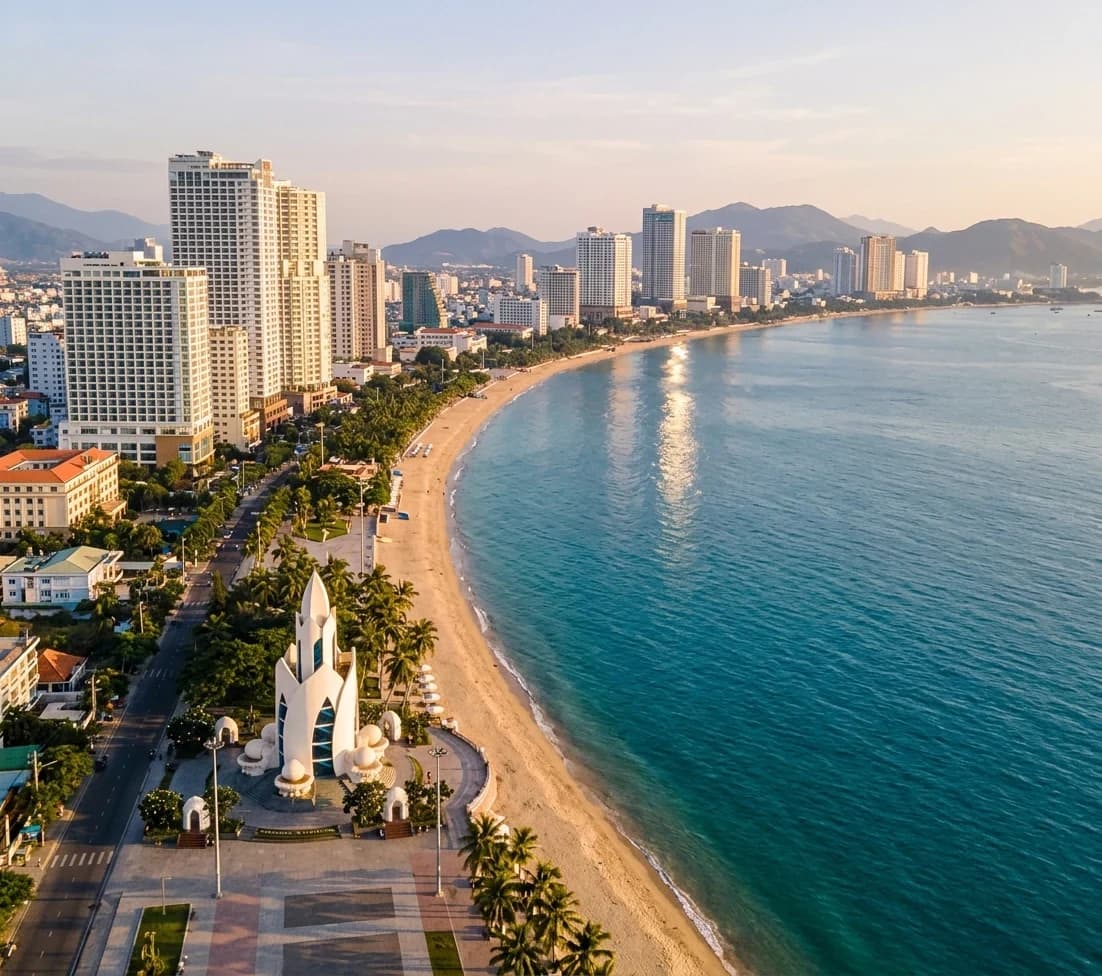 Nha Trang
 Phu Quoc