Your next trip starts here
Where today, EODIGO?
Choose a city and find what you need today.
Make dining, resting and exploring easier.


When you need a place on your trip, EODIGO
Choose a country and city to find the places you need.
Photo: Rachelle Haun · CC BY 2.0
ONLY ON EODIGO
 What Google Maps can’t do: 3 things
It doesn’t stop at finding a place. Get there, book and spend the day — even without the language.
 Show the driver the address
The shop’s local name, address and phone in large type. Just show it to your taxi or Grab driver.
Try it on a shop →02 Book in the local language
Choose the date and party size to prepare a local-language request, then send it yourself using the linked messenger or SMS.
Try a booking request →03 A day plan for today
Choose where you start and how long you have, and get a route through places open now.
Plan my day →Places you can see now
See all →
NORI Modern Izakaya
Restaurant
Ho Chi Minh City · Vietnam
호치민 벤탄 리뜨쫑 거리의 모던 이자카야 — 사시미·스시·롤·꼬치구이

ZAKDANG
Billiards
Ho Chi Minh City · Vietnam
호치민 떤흥의 캐롬 당구장 — 대형 5대·소형 3대, 한국어 직원 안내

PREMIUM DESERT TOURISM LLC
Travel Agency
Dubai · United Arab Emirates
두바이 사막 사파리·시티투어·다우 크루즈 디너를 문의할 수 있는 여행사

A GOOD BAR
Bar
Ho Chi Minh City · Vietnam
호치민 리뜨쫑 거리의 바 — 칵테일·와인·바 메뉴와 포토부스
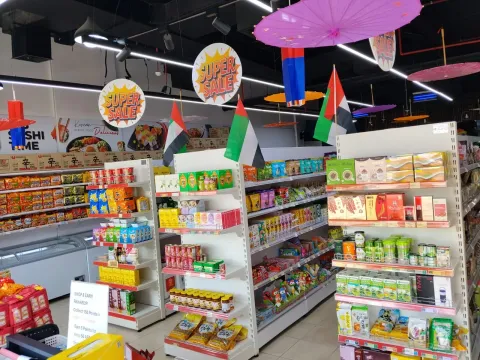
Japanese and Korean Mart Al Barsha
✓Convenience Store · Grocery Store
Dubai · United Arab Emirates
Trusted destination for authentic Asian food products
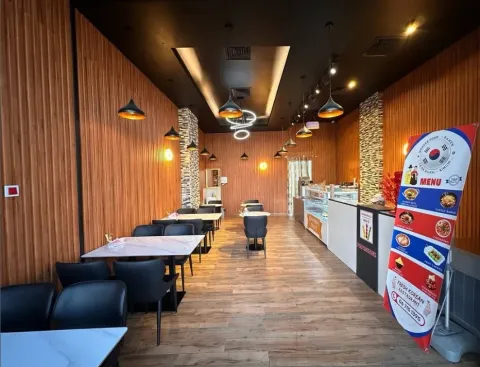
Fresh Korean Restaurant
Restaurant
Sharjah · United Arab Emirates
At Fresh Korean Restaurant, we believe that a great dining experience goes beyond the food.
The next chapter
of your journey.
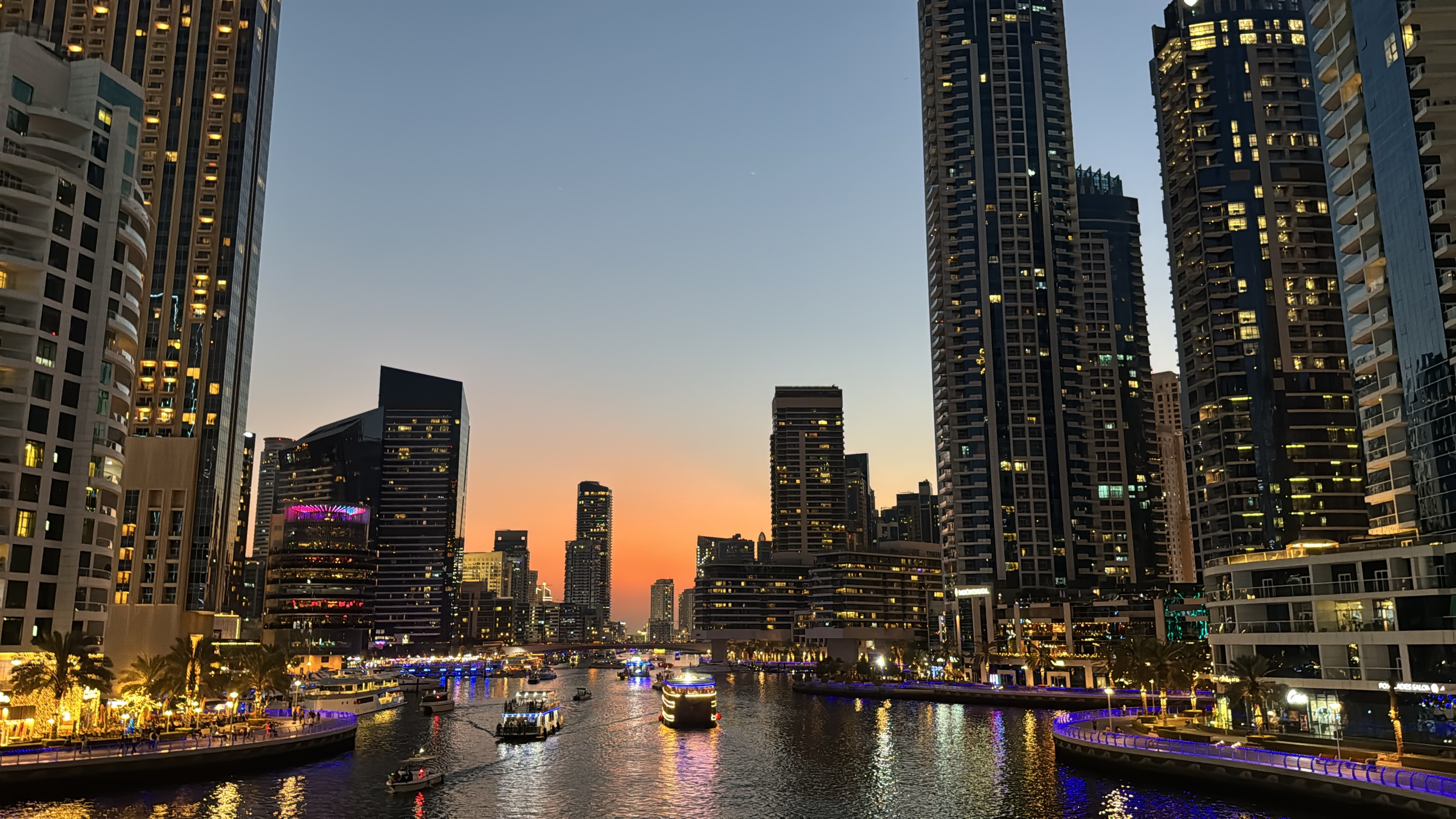 여행 이야기 · 두바이두바이 한국마트 위치와 가격, 알바샤 김치·고추장 값Korean original이 글은 2026년 11월 18일에 어디GO의 업체 페이지와 전체 메뉴를 직접 열어 확인해 정리했어요. 원화는 서울외국환중개가 11월 18일에 고시한 재정된 매매기준율(1디르함=364.54원)로 어디GO가 계산해 100원 단위로 반올림했어요.
 어디GO Editor
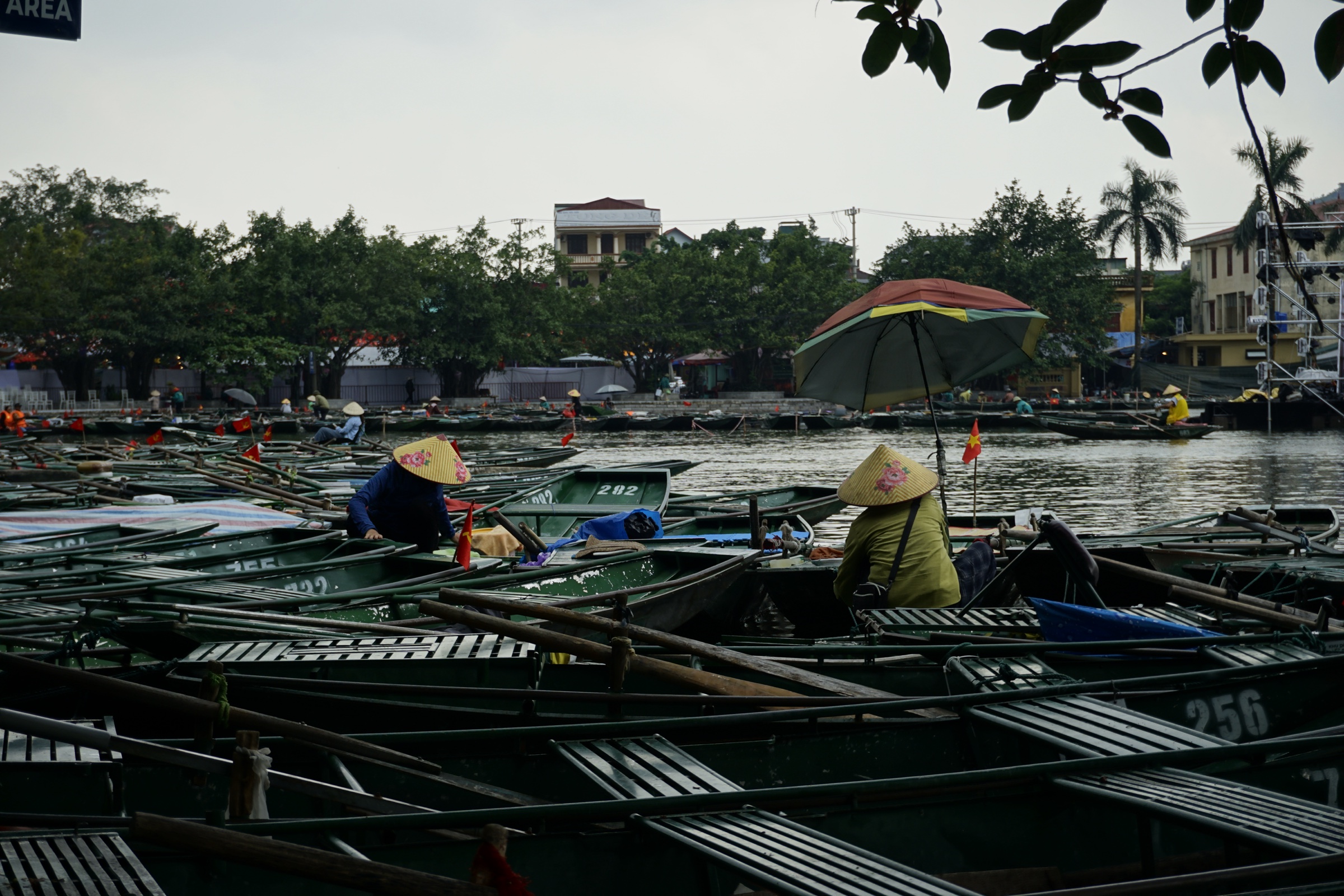 여행 이야기 · 하노이하노이 닌빈 가는 법, 기차 시간표와 짱안 입장료 2026Korean original이 글은 2026년 11월 18일에 베트남 철도 공식 시간표·운임 조회 화면(11월 25일 출발 기준)과 짱안 공식 예매 사이트를 직접 열어 확인해 정리했어요. 원화는 비엣콤뱅크가 11월 18일에 고시한 현금 매입 환율(1원=16.84동)로 어디GO가 계산해 100원 단위로 반올림했어요.어디GO Editor
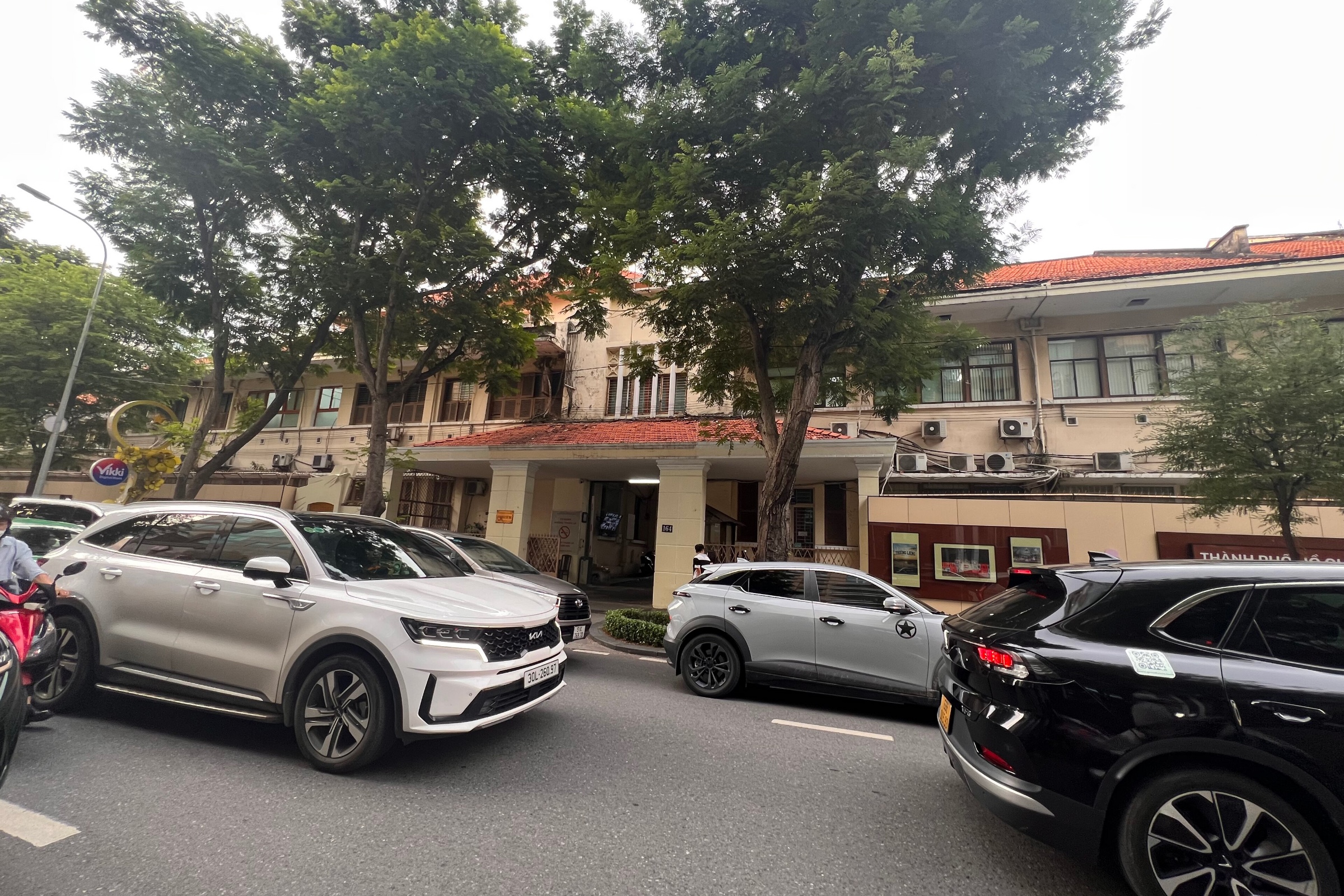 여행 이야기 · 호치민호치민 미용실 가격, 1군 한인 미용실 요금표와 예약법Korean original이 글은 2026년 11월 17일에 어디GO 업체 페이지의 메뉴·요금(2026년 10월 업체 제공 정보)과 주소·영업시간을 확인해 정리했어요. 원화는 비엣콤뱅크가 11월 17일에 고시한 현금 매입 환율(1원=16.63동)로 어디GO가 계산해 100원 단위로 반올림했어요.어디GO Editor
Explore other destinations
Browse city guides and local business information by country, and find your next destination.
- 9countries
- 45city guides
- 8languages
- 85business types



- South KoreaSouth KoreaAvailable
- VietnamVietnamAvailable
- ChinaChinaAvailable
- JapanJapanAvailable
- United StatesUnited StatesAvailable
- United Arab EmiratesUnited Arab EmiratesAvailable
- PhilippinesPhilippinesAvailable
- MongoliaMongoliaAvailable
- ThailandThailandAvailable
Show 13 upcoming countriesHide 13 upcoming countries
- CanadaCanadaComing soon
- AustraliaAustraliaComing soon
- United KingdomUnited KingdomComing soon
- CambodiaCambodiaComing soon
- IndonesiaIndonesiaComing soon
- GermanyGermanyComing soon
- New ZealandNew ZealandComing soon
- FranceFranceComing soon
- KazakhstanKazakhstanComing soon
- UzbekistanUzbekistanComing soon
- RussiaRussiaComing soon
- MexicoMexicoComing soon
- TaiwanTaiwanComing soon
Open EODIGO instantly.
Whenever you need it on your trip,
choose the right option for your phone.

App access
 eodi-go.com
Add to Home Screen
Open from your home screen without installing an app.
- iPhone
- Safari Share → Add to Home Screen
- Android
- Chrome More → Create shortcut
Frequently asked questions
New to EODIGO?
Start with your questions.
Does Korean-run mean Korean-speaking staff?
Korean-run describes who operates the business. It does not mean every staff member speaks Korean. Confirm language support before visiting.
Is a reservation request confirmed immediately?
A request is not a confirmation. At supported businesses, choose a date, time and party size to prepare a local-language request. Send it yourself using the linked messenger and check the business reply.
Where can I check hours and location?
Business details show the address, map, contacts and listed hours. Local conditions can change, so confirm current details with the business before visiting.
Can I search without choosing a city?
Yes. Choose a country and search by business type or name. Selecting a city narrows the area.
What if a city or business is missing?
Check the available destinations in Travel countries and Travel cities. Try a shorter search or clear the city to widen the area. Businesses not listed on EODIGO do not appear.
Which businesses can be listed?
Adult or sexual-service venues are not listed. Karaoke, clubs and massage businesses receive an additional review using photos, reviews and phone checks.